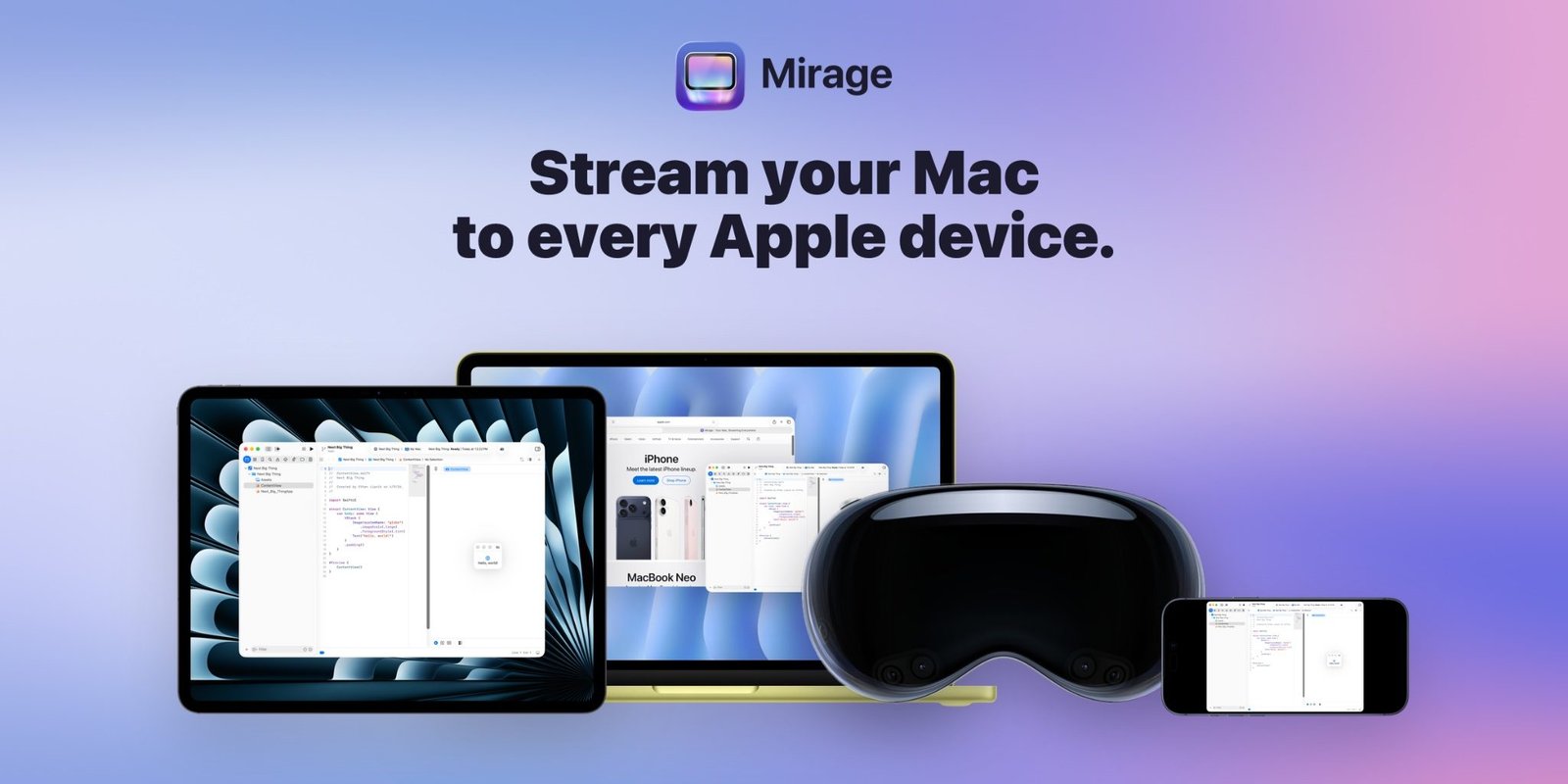
For creative professionals, remote workers, and mobile productivity enthusiasts, the dream of turning an iPad into a responsive, high-fidelity secondary display for a Mac has often been fraught with compromises. While Apple’s native Sidecar provides a seamless out-of-the-box solution, power users frequently find themselves restricted by fixed resolution caps, limited refresh rate options, and latency bottlenecks. Enter Mirage, the latest breakthrough featured in our Indie App Spotlight, a third-party Mac and iPad display utility that delivers stunning retina-quality screen mirroring and virtual display extension with virtually zero perceived latency.
Developed by an ambitious independent engineering team, Mirage was born out of a desire to bypass the artificial software limitations that constrain existing wireless display tools. Mirage distinguishes itself from legacy alternatives by leveraging advanced low-latency video encoding protocols alongside Apple’s native Metal graphics framework. By tapping directly into hardware-accelerated HEVC and AV1 pipelines, the app streams pixel-perfect, color-accurate Mac display output to an iPad screen over both high-speed Wi-Fi and direct USB-C connections, preserving subtle gradients, sharp typography, and wide P3 color gamuts.
What immediately strikes users upon launching Mirage is its flexibility in display management. The application creates a true virtual display driver on macOS, allowing users to select arbitrary resolutions, customize HiDPI retina scaling, and lock frame rates up to 120Hz on ProMotion-enabled iPads. Whether an animator is scrubbing through high-framerate timelines in Final Cut Pro, an illustrator is sketching with low Apple Pencil latency, or a software engineer needs additional screen real estate for debugging code on the road, Mirage renders every detail with pristine visual fidelity.
Beyond pure display fidelity, Mirage shines in its thoughtful implementation of iPadOS features. The application supports full multi-touch navigation, Apple Pencil pressure and tilt sensitivity, and customizable on-screen floating hotkeys for Mac keyboard shortcuts. This transforms the paired iPad from a passive secondary monitor into an interactive digitizer tablet, offering creative workflows that rival dedicated, high-end drawing tablets at a fraction of the cost. Audio passthrough and bi-directional clipboard synchronization function effortlessly, creating an integrated experience that feels native to Apple’s ecosystem.
The independent software community has celebrated Mirage as a showcase example of what focused indie developers can achieve when optimizing for performance rather than feature bloat. While monolithic enterprise utilities often burden systems with complex subscription tiers and heavy background daemons, Mirage operates with a lightweight memory footprint and a straightforward licensing model. Tech critics have praised its rock-solid connection stability, noting that even over congested public Wi-Fi networks, the app dynamically modulates bitrate to avoid jitter and visual tearing.
As remote work and nomadic computing setups become permanent fixtures of modern professional life, tools that maximize existing hardware utility are invaluable. Mirage demonstrates that independent developers continue to drive meaningful innovation within the Apple software landscape, pushing hardware beyond manufacturer-imposed boundaries. For Mac and iPad owners seeking an uncompromising, high-resolution mobile workspace, Mirage represents an indispensable utility that turns portable workstations into versatile productivity powerhouses.